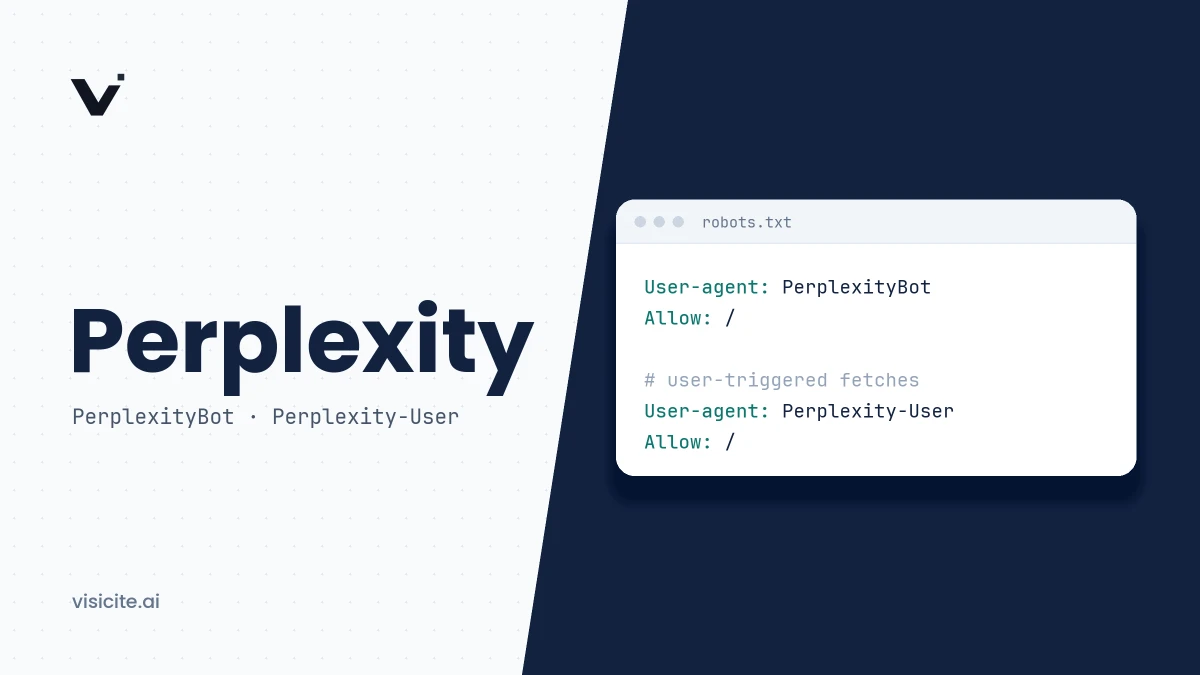

Perplexity is an AI search engine that searches the web in real time for every question, selects relevant passages from its own index and writes an answer with numbered citations. For a site owner, three things decide whether you can be cited: PerplexityBot must be allowed to crawl your site, the content must be readable as text, and individual passages must answer a question without needing the rest of the page. Perplexity documents its crawlers and retrieval pipeline in some detail, but not its ranking weights or how well it performs in languages other than English.
In brief
- Every answer is built on a web search and shows numbered sources that link to the original pages.
- Two bots: PerplexityBot builds the index and follows robots.txt. Perplexity-User fetches pages at a user's request and generally ignores robots.txt.
- Perplexity splits documents into self-contained spans that are ranked individually. Passages get cited, not pages.
- Perplexity documents no webmaster console. You check citations with your own test questions, server logs and traffic data.
- According to Perplexity, neither bot is used to train foundation models.
What Perplexity is
Perplexity describes itself as an AI-powered search engine that works like a research assistant: instead of a list of links you get a single written answer. According to the help article How does Perplexity work?, the service interprets the question, searches for information in sources such as articles, websites and journals, and condenses the result. Each answer includes numbered citations linking to the original sources.
The difference from a plain chatbot is that search is the default, not an add-on. In September 2025 Perplexity stated that its infrastructure processed 200 million queries a day.
How Perplexity retrieves and ranks content
Perplexity described its search architecture in the article Architecting and Evaluating an AI-First Search API, published in September 2025. It is unusually detailed for this industry and worth knowing, because each stage says something about what your page needs to deliver.
| Stage | What Perplexity describes | What it means for you |
|---|---|---|
| Crawling | An index that tracked over 200 billion unique URLs at the time. A model decides which pages to index and when, and refreshing known pages competes with indexing new ones | New and changed pages do not show up instantly. Clear internal links and a sitemap make pages easier to find |
| Parsing | A module extracts the meaningful content using rulesets that are refined over time | Content delivered as text in the HTML is the easiest to parse correctly |
| Splitting | Documents are decomposed into self-contained spans that are retrieved and ranked individually | Each passage should make sense on its own |
| Retrieval | Lexical and semantic retrieval run side by side and are merged | Use the words your audience uses, and explain things so the meaning is clear even without exact keywords |
| Ranking | Several stages: fast scorers filter first, heavier reranker models shape the final set | The weights are not public. Nobody can promise a position |
The splitting into spans is the detail that matters most. It explains why a paragraph that opens with "As mentioned above" is rarely cited, while a paragraph that names its subject and gives the answer stands a better chance. How to write that way is covered in our guide to writing content AI wants to cite, and the general mechanics are in the article on how AI search engines work.
PerplexityBot and Perplexity-User
Perplexity documents two bots with different jobs. The details below come from Perplexity's crawler documentation.
| PerplexityBot | Perplexity-User | |
|---|---|---|
| Job | Crawls in order to surface and link websites in Perplexity's search results | Visits a page when a user's question calls for it |
| robots.txt | Follows robots.txt | Generally ignores robots.txt, because the fetch was requested by a user |
| Training | Not used to crawl content for foundation models | Not used for web crawling or to collect content for training foundation models |
| IP list | perplexitybot.json | perplexity-user.json |
The full user agent strings are:
Mozilla/5.0 (compatible; PerplexityBot/1.0; +https://perplexity.ai/perplexitybot)
Mozilla/5.0 (compatible; Perplexity-User/1.0; +https://perplexity.ai/perplexity-user)
Allow or block in robots.txt
Perplexity recommends allowing PerplexityBot so that your site can appear in its search results:
User-agent: PerplexityBot
Allow: /
To keep parts of the site out:
User-agent: PerplexityBot
Disallow: /customer-portal/
Disallow: /internal/
Three things are worth knowing:
- Changes take time. According to the documentation, a change may take up to 24 hours to take effect.
- A block does not remove everything. In the help article How does Perplexity follow robots.txt?, Perplexity writes that PerplexityBot will not index the text of pages that disallow it, but that the service may still index the domain, the headline and a brief factual summary.
- Perplexity-User is not fully governed by robots.txt. The crawler documentation says it generally ignores the rules. The same help article also says that the ability to ask Perplexity to summarise a specific URL blocked in robots.txt has been disabled. So do not rely on robots.txt as the only protection for content that must not be fetched. Use a login or a firewall rule.
A full walkthrough of all AI bots is in the guide to robots.txt for AI crawlers.
Verify that the bot is genuine
A user agent string can be spoofed. Perplexity therefore publishes the IP addresses of both bots as JSON and recommends combining user agent and IP checks. The files have this format (the address below is a made-up example from a documentation range; always fetch current values from the files):
{
  "creationTime": "2026-10-28T16:48:51.000000",
  "prefixes": [
    { "ipv4Prefix": "192.0.2.10/32" }
  ]
}
If you run a firewall or a CDN with bot protection, Perplexity's bots can be stopped even though robots.txt allows them. The documentation explains how to add exceptions in Cloudflare and AWS WAF: a rule that matches both user agent and IP range and sits ahead of your blocking rules. Perplexity notes that Cloudflare's Bot Fight Mode cannot be bypassed with custom rules. Automate updates of the IP lists, since they change.
Modes and features as of November 2026
Perplexity renames and rebuilds its features often. The list below contains only what we could confirm in Perplexity's help center in November 2026.
| Feature | What it does | Access |
|---|---|---|
| Search | The default mode: a web search and an answer with sources | According to Perplexity, the free plan has practically unlimited basic searches |
| Pro Search | Runs several searches, gathers material from more sources and shows how the question was broken down. Used automatically in Search when your plan includes it; no longer a separate toggle | 3 a day on the free plan, more on paid plans |
| Research | Searches, reads documents and reasons over several rounds, then writes a report. Perplexity says most tasks finish in under 3 minutes | 1 a month on the free plan, more on paid plans |
| Comet | A Chromium-based browser with Perplexity's AI built in, including asking questions about and summarising the page you have open | The browser agent is included in paid plans |
The Pro Search details come from the help article What is Pro Search?, Research from What is Research mode?, Comet from Getting Started with Comet and the per-plan limits from Perplexity's plan comparison. The plans are called Standard (free), Pro, Max, Education Pro, Enterprise Pro and Enterprise Max. Paying users can also choose which AI model writes the answer.
For a site owner the point is this: the deeper the mode, the more searches and the more sources read per question. In Research, narrow and specialised pages can also be pulled in, because the system searches in several rounds and refines its plan as it goes. Which user agent Comet uses when a user asks the assistant to read a page is not stated in the crawler documentation.
How to check whether your site is being cited
Perplexity has no equivalent of Google Search Console. We found no webmaster console or citation report in either the help center or the developer documentation. You have to piece it together yourself:
- Ask your customers' questions. Write down 10 to 20 questions your customers actually ask, put them to Perplexity and note which domains appear among the numbered sources. Repeat the same questions at regular intervals. Answers vary, so a single check tells you little.
- Read your server logs. Hits from PerplexityBot show that the site is being crawled. Hits from Perplexity-User show that a page was fetched in connection with a user's question, which is the strongest signal you can get from your own data.
- Look at referral traffic. Filter your analytics for referrals from perplexity.ai. Not every click passes referrer information, particularly from apps, so treat the number as a lower bound.
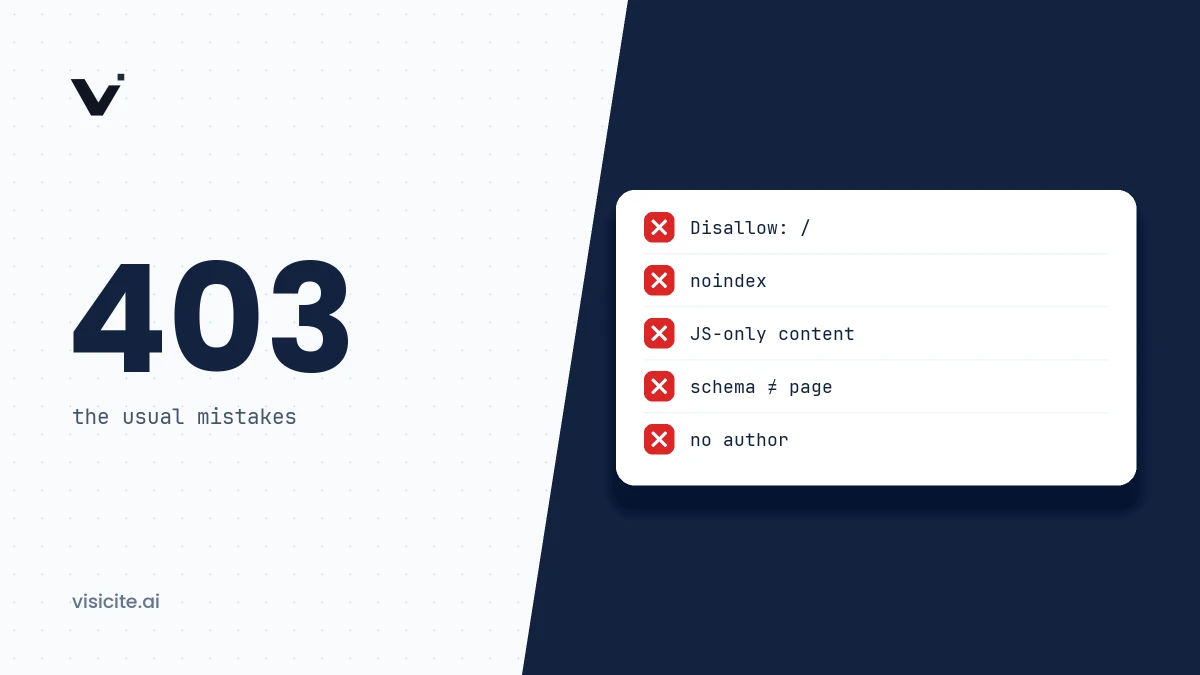
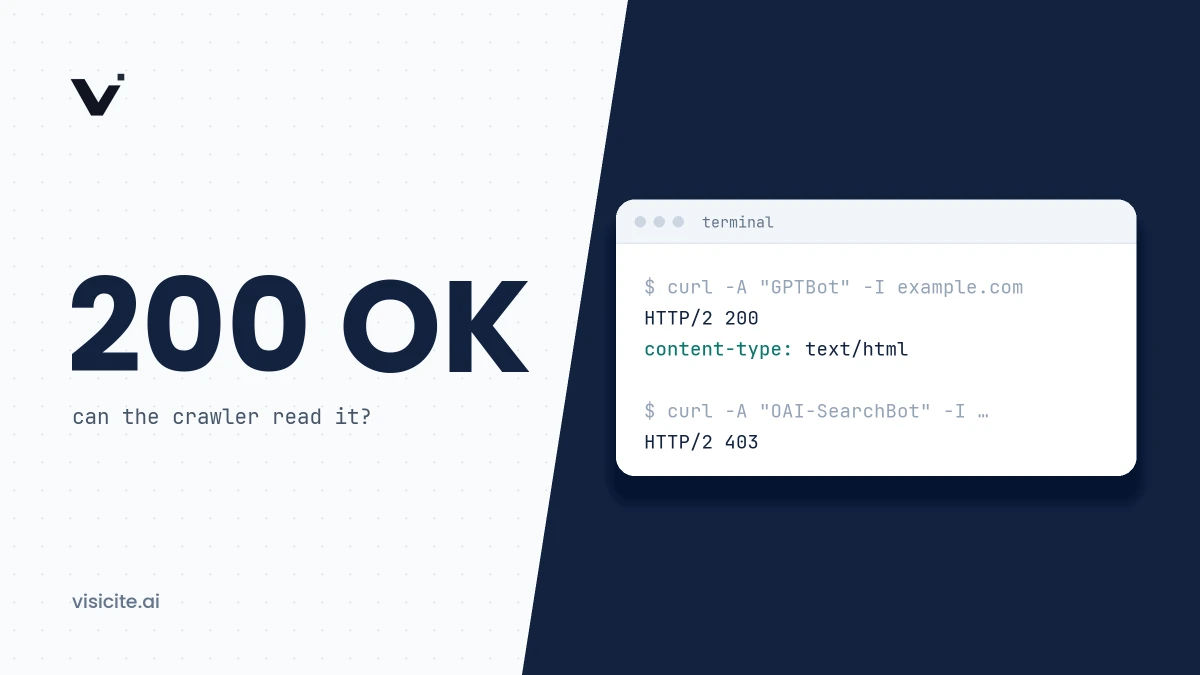
- Check that the bots are not blocked. Look for status codes 403 and 429 on requests from Perplexity's bots. That can mean your firewall or CDN is stopping them.
A command that lists which pages the bots have fetched, for an Nginx log in the default format:
grep -E "PerplexityBot|Perplexity-User" /var/log/nginx/access.log \
  | awk '{print $7, $9}' | sort | uniq -c | sort -rn | head -20
The output shows hit count, path and status code. More methods are in the article on measuring GEO results.
Perplexity in Swedish and other smaller languages
It is important to separate what is documented from what is not.
Documented: in account settings you can set both an interface language and a preferred response language, according to the help article Account & Settings. The article does not list which languages are available. Perplexity's Search API has a language filter that restricts results to specified languages using ISO 639-1 codes, up to 20 per request, and Swedish (sv) is in the documentation's table of language codes. Search results in the API can therefore be narrowed to Swedish-language pages.
Not documented: Perplexity publishes nothing on how much of the index is in a given language, how answer quality differs between languages, or how local-language and English sources are weighed against each other when the question is asked in, say, Swedish. We have not run a systematic test of our own and so report no figures.
What you can do is test with your own questions in your own language and see which sources come up, and give the system clear language signals: a correct lang attribute, hreflang between language versions, and local-language pages that are complete in themselves rather than thin translations. More on this in the guide to multilingual GEO.
What you can do as a site owner
- Allow PerplexityBot in robots.txt and check that your firewall and CDN do not stop it.
- Deliver content as text in the HTML, so it can be parsed without running scripts.
- Write self-contained passages that name the subject and give the answer directly.
- Answer specific questions with specific facts: numbers, dates, conditions, steps.
- Keep pages current and show when they were last updated.
- Follow up with test questions and logs as described above.
None of this guarantees a citation. These are preconditions, not buttons to press. How sources are weighed more generally is described in the article on how language models choose their sources. To see whether your page meets the basics, run Visicite's free GEO scan, which among other things checks whether AI bots are allowed in robots.txt.
Frequently asked questions
Does Perplexity work in Swedish?
Perplexity has settings for interface language and preferred response language, and Swedish is among the language codes in the Search API's language filter. The help article does not list which languages can be selected, and Perplexity publishes no data on quality in Swedish compared with English. Test with the questions that matter to you.
Is Perplexity free?
There is a free plan. As of November 2026, Perplexity's plan comparison says it includes practically unlimited basic searches, 3 Pro Searches a day and 1 Research query a month. Paid plans give higher limits, model choice and more features.
How do I block Perplexity from my site?
Add User-agent: PerplexityBot followed by Disallow: / to robots.txt. The text of your pages will then not be indexed, but by Perplexity's own account it may still index the domain, headline and a brief factual summary. Perplexity-User generally ignores robots.txt, so to stop it as well you need a firewall rule based on the user agent and the published IP list.
Does Perplexity train AI models on my content?
According to Perplexity, neither PerplexityBot nor Perplexity-User is used to collect content for training foundation models, and the company writes that it does not build foundation models. Other AI vendors do run their own training bots, such as GPTBot and ClaudeBot, which you control separately in robots.txt.
How can I see whether Perplexity cites my site?
There is no report to log in to. Ask your most important questions in Perplexity and read the source list, search your server logs for Perplexity-User and look at referral traffic from perplexity.ai in your analytics.